
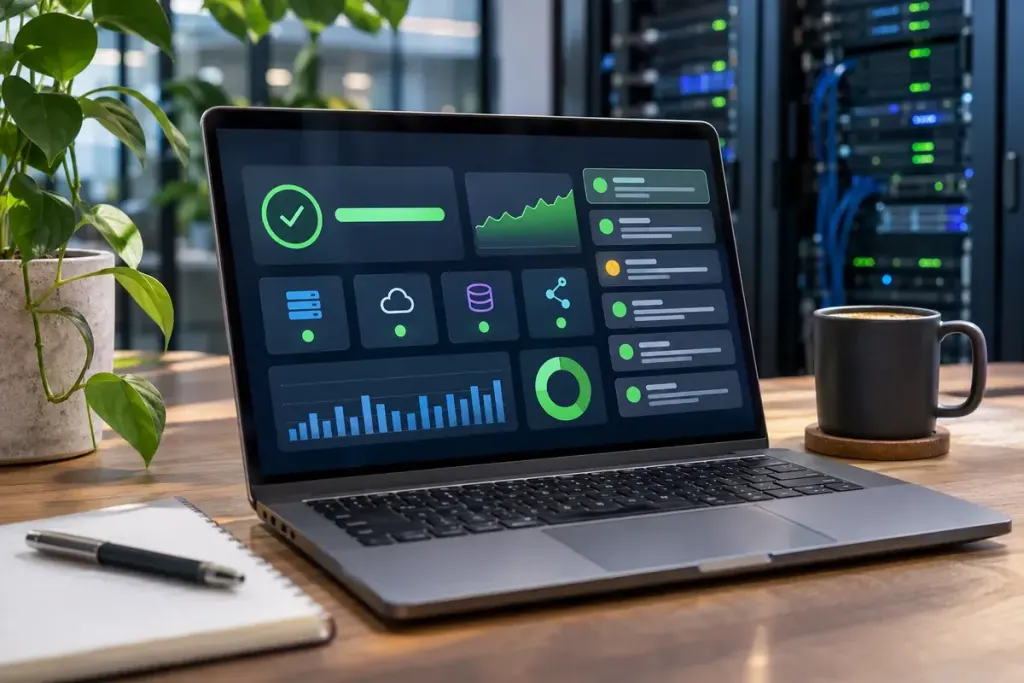
A status page gains a new line without reloading the whole document. One possible mechanism is a stream of server-sent events, often shortened to SSE. The browser listens while the server sends updates as they become available.
The visible result alone does not identify the technology: repeated requests and other communication methods can produce similar-looking interfaces. SSE is one specific way to organise that flow.
The stream has a direction
MDN’s guide to server-sent events explains the browser’s EventSource interface and the one-way flow from server to client. A server responds with text/event-stream, sending text messages in the required format. This channel does not itself carry a user’s outgoing messages back to the server.
A page can still have buttons that send ordinary requests through another mechanism. For example, a fictional job dashboard might use a request to start a task, then listen to an event stream for status updates. Starting the task and following its progress are separate actions.
MDN also describes reconnection after an interrupted connection and the close() method for ending the stream. Reconnection is useful, but an application’s design still has to decide what to show if updates were missed or repeated.
A live display needs an honest state
Imagine that the dashboard last displayed “processing” several minutes ago. Does that mean the job is still processing, or that the connection stopped delivering information? The interface should help the reader distinguish those possibilities.
For a small design exercise, draw three versions of the same panel: connected with recent updates, temporarily disconnected, and finished. Give each an understandable status message. Avoid leaving a cheerful moving indicator on screen when the application has no fresh evidence about progress.
Then consider a repeated message. If the fictional job sends “step completed” twice, should the page add two completed steps or recognise that it is the same update? Write the intended behaviour before implementing the interface. The transport’s name does not settle that application-level question.
For users, the helpful habit is to notice the last update time and any connection warning before acting on a live-looking screen. For developers, it is to treat receipt, display and task completion as different events. A stream can deliver information efficiently; the page must still explain what that information means.